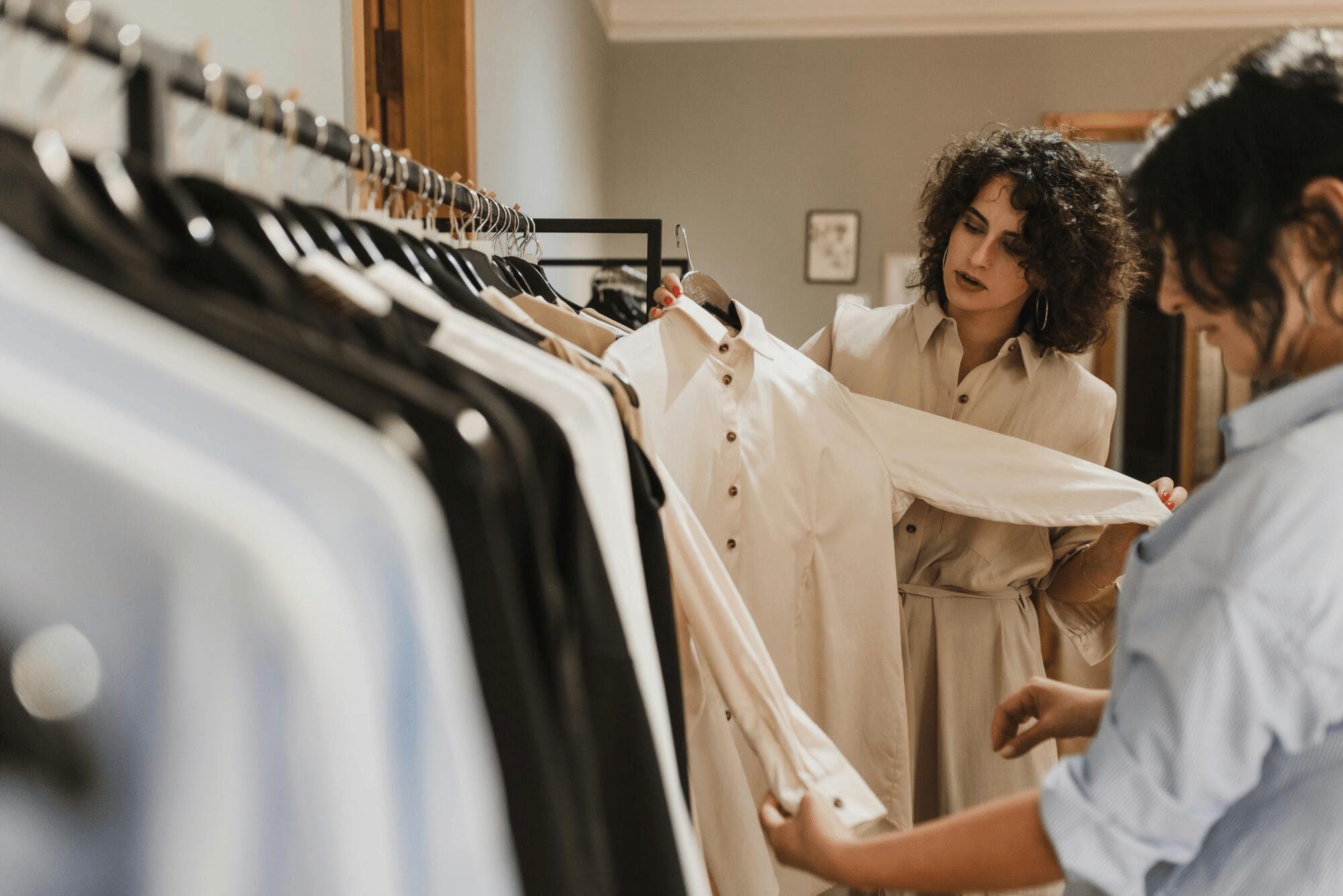
A digital lookbook is a collection of outfit photos you can check when deciding what to wear. It turns a seasonal wardrobe plan into specific combinations, complete with shoes, layers, and accessories.
Start by choosing clothes for the coming season, then photograph outfits and organize the images on your phone or laptop. You’ll soon have a record of what works together instead of having to remember each combination.
Choose Clothes for the Weather and Your Plans
Check which activities you regularly need to dress for over the coming season, such as office days, school drop-offs, exercise, and dinners out. Use those activities to decide which clothes belong in your seasonal selection.
Consider the temperatures and conditions you’ll be dressing for. Keep suitable layers available if you leave home on cool mornings but return in warmer weather.
Pull out clothes that fit comfortably and are ready to wear. Put anything that needs cleaning, repairs, or alterations in a separate pile so it doesn’t get mixed into your finished outfits.
Include pieces you haven’t worn recently. Interestingly, research published in the Journal of Circular Economy found that 22% of garments owned by 156 adults in Flanders, Belgium, had gone unworn during the previous year!
Check your own unworn items before making a shopping list. Try them with clothes you wear regularly to see whether they still have a use.
Try on Clothes and Photograph Complete Outfits
Photograph clothes together as complete outfits rather than relying only on pictures of separate items. Wearing each combination lets you check the fit, length, and proportions.
Include the shoes and outer layer you would wear outside. Pants may sit differently with boots than with sneakers, and a jacket may not fit comfortably over every sweater.
Before taking a photo, you should:
- Sit down to check comfort and coverage
- Walk around in the shoes
- Put on your jacket and bag
Use the same spot and camera position for each photo. Choose a plain background and enough light to show the clothes clearly, including darker pieces.
Keep your whole outfit in the frame, from your shoulders to your shoes. If you use a mirror, check that your phone isn’t blocking a detail you need to see.
Fashion editor Anneliese Henderson’s wardrobe-downsizing account in Who What Wear pairs outfit photos with explanations of the pieces she kept. You can use a similar format by adding a short note about when you would wear each outfit.
Arrange Your Photos in a Digital Lookbook
Create a simple document with one outfit photo per page. Use the same layout throughout so you can find the photo, label, and notes without searching.
Label pages by use, such as “Office,” “Rainy Commute,” or “Weekend Errands.” Add details that aren’t obvious from the photo, such as “Wear a tank underneath” or “Best with thin socks.”
Keep captions brief and large enough to read on your phone. Check a sample page at phone-screen size before arranging the rest of the document.
You may want to save the finished lookbook as a PDF. You can then keep all the pages together while ensuring formatting stays intact.
If you then also want separate outfit images, perhaps for an album in your phone’s photo app, Canva’s free online converter lets you export a PDF as PNG.
Store the PDF as your complete lookbook and put the PNG images in a dedicated album. Keep the original editable document, too, so you can replace photos or change notes without rebuilding the pages.
Create More Outfits From the Same Pieces
Choose a few items you wear often and try each with different clothes from your seasonal selection. Start with pants, jeans, or a skirt, then change the top, shoes, and jacket.
Change one item at a time so you can see what affects the outfit. A different shoe may make a combination suitable for a longer walk, while a different jacket may make it warm enough for an evening out.
Photograph combinations you would actually wear. You don’t need several nearly identical pages unless the differences matter when getting dressed.
Include alternatives for changes in weather. You might save one outfit with a lightweight shirt and another version with a sweater or raincoat.
Leave out combinations that pinch, slip, or need constant adjustment. Looking good in a photograph isn’t enough if you’ll spend the day fixing your clothes.
Identify Missing Items Before You Shop
Review your outfit pages and note anything that repeatedly prevents you from wearing a combination. Separate missing items from clothes you already own that simply need cleaning or repair.
Be specific about the problem. “I need shoes for walking to work in the rain” gives you something concrete to assess, while “I need more shoes” doesn’t.
Check how many outfits a potential purchase would complete. A layer that works with several existing combinations may be more useful than a top that needs new pants and shoes.
Look through your stored clothes before buying anything. You may already own an item that fills the gap but wasn’t included in your first selection.
Keep the shopping list alongside your lookbook. When considering a purchase, compare it with your outfit photos rather than trying to remember what it might match.
Keep Your Outfit Photos Easy to Find
Save your lookbook somewhere you can open it quickly. Avoid leaving the images scattered among screenshots and everyday photos.
If the collection becomes difficult to browse, divide it into a few useful categories. Work, casual, and evening outfits may be enough; use weather categories instead if those help you choose faster.
Check your plans and the forecast when selecting outfits for the week. Save a few suitable pages as favorites so they’re easy to find in the morning.
Update notes after wearing an outfit for a full day. Record useful details, such as shoes that became uncomfortable or a layer that was too warm.
Remove photos when you no longer own or wear the clothes shown. Keep the lookbook accurate so it remains a usable reference.
Putting Your Lookbook to Use
Your first digital lookbook only needs enough outfits for a typical week. Choose clothes for your regular activities, try on complete combinations, and save clear photos with practical notes.
Add more pages when you find other outfits worth repeating. And update or remove combinations that don’t work after a full day of wear.
Was this article helpful? If so, take a moment to explore some of our other interesting and insightful posts!