
Three minutes into a client call last spring, my router light went red and my face froze mid-sentence. I sat there like a mannequin while the client said “hello?” into the void, and by the time I reconnected on my phone, she had already sent a follow-up email asking whether I was still on the project. One outage, one awkward minute, one small crack in how she saw me.
Most people treat home internet like electricity: always there, never worth thinking about. Then a storm rolls through, a fiber line gets clipped by a landscaper, and suddenly your whole day is hostage to a blinking red light. If you run anything from that spare room, whether it is freelance work, an Etsy shop, or a small consulting practice, a dead connection is not an inconvenience. It is lost money, and it is a dent in your reputation you did not agree to take.
That is the exact gap that backup internet access for home is built to close. Instead of waiting on hold with your provider while your paycheck evaporates, you give your network a second path to the outside world, and your call stays up.
Why a Second Connection Hardly Ever Feels Worth It (Until It Does)
Here is my honest read: a backup connection is a lot like flood insurance. You are basically paying for the boring days. I put off getting one for two years because outages in my neighborhood were rare, maybe twice a year, and I figured I could tether to my phone and push through.
Phone tethering works. I have done it while crouched by a window, holding my laptop at an angle like I was tuning a radio. It also drains your battery, eats your mobile data, and drops the call every time a new device tries to join. My work laptop, my partner’s tablet, the smart speaker in the kitchen, they all fight over one weak hotspot signal.
The real cost is not the outage. It is the recovery. That missed client call cost me a follow-up apology, a rescheduled meeting, and a slice of confidence I never got back. Multiply that by the number of times a year the weather or a utility crew decides to ruin your afternoon, and a one-time hardware purchase starts looking cheap.
What a Storm Taught Me About Copying My Setup to a Shelf
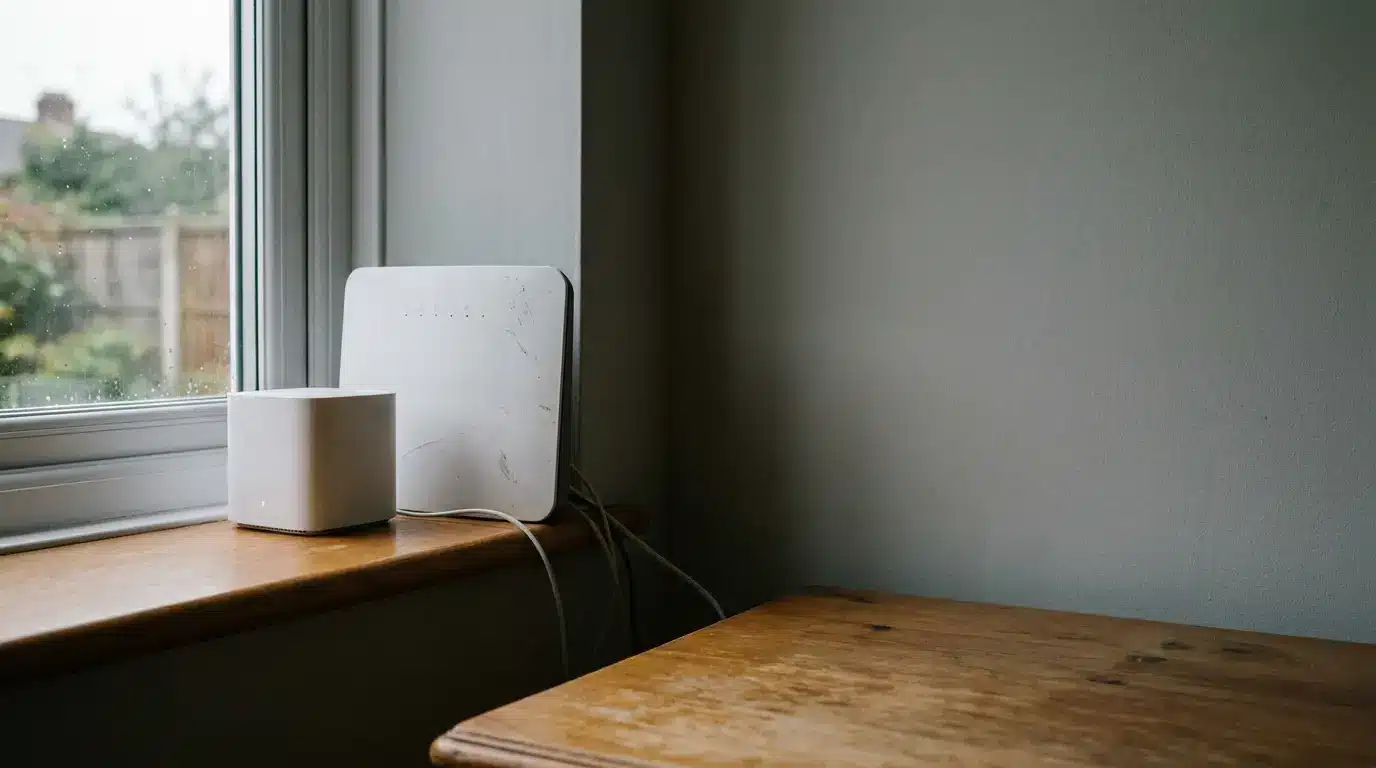
Two winters ago a wind storm knocked out power and fiber across my block for most of a day. The generator my neighbor lent me kept the lights on, but the internet never came back, because the outage was upstream at the provider. No amount of home preparation fixes a problem that lives six miles away at a junction box.
That is the lesson I keep repeating to friends: prepare for the problem you cannot control, not the one you can. According to the National Oceanic and Atmospheric Administration, severe weather events remain a leading cause of infrastructure disruption across the country, and utility repair timelines mostly depend on crews reaching a physical break in the line.
So I stopped optimizing the parts of my setup that were already fine. My router was fast. My modem worked. What I was missing was a completely separate path in, one that does not care what happened to the cable buried under my street. That is what pushed me to move my whole home office setup onto a mesh system with a built in cellular fallback, so the wifi never notices when the primary line dies. You can see how the hardware side works at the eero Signal product page, which pairs a compatible eero router with a cellular connection that takes over automatically.
How Do You Actually Choose the Right Backup for Your House?
Every home is different, and the right answer depends on how much of your income rides on staying connected. My rule of thumb, after a fair amount of trial and error:
- Casual user, occasional Zoom. A phone hotspot and patience will carry you through most outages. Skip the hardware.
- Freelancer or remote employee. You need automatic failover, because you will not be watching the router light when it goes red. You want the switch to happen without you touching anything.
- Household with several connected devices. Tethering falls apart here. You need a dedicated cellular link that supports every device at once, not just the laptop you are holding.
- Someone running deliveries, listings, or live sales. Downtime directly hurts revenue, so speed and data allowance matter more than price. Check the plan tiers before you buy, not after.
Notice none of these options are about raw speed. A backup connection running at 4G speeds is plenty for email, voice calls, and file uploads. What matters is uptime and how invisibly the switch happens. If you have to unplug a cable and plug in a different one, you have already lost the call.
The Setup Checklist I Wish I Had Followed the First Time
Nobody warns you that a backup system is only as good as the ten minutes you spend setting it up. Here is the sequence that actually worked for me, in order:
- Map your critical devices. Write down every device that has to stay online during a workday. My list was two laptops, a monitor hub, and a printer. Everything else, the TV and the smart bulbs, can wait.
- Place the backup unit where the signal is strong. Cellular reception in your house is not uniform. Test it near a window before you commit to a shelf in the basement.
- Confirm your plan covers the usage. Most backup plans give you a data allowance per month. If your average outage lasts a full workday, budget for the bigger tier.
- Run a live test. Unplug your primary connection on a quiet afternoon and watch what happens. I did this on a Saturday, and I am glad I did, because I found out my printer was still grabbing the old network.
- Label the cables. Sounds trivial until you are crawling under a desk at 9 a.m. with a client already waiting in the meeting room.
That fourth step matters most. A backup you have never tested is just an expensive paperweight. Treat it like a smoke detector: press the button once a season and confirm it still works.
Small Costs, Quiet Payoff
The math is not complicated. You spend a little on hardware and a modest annual subscription, and in exchange you stop losing afternoons to problems you cannot fix yourself. I would pick reliability over speed every time, and I say that as someone who once upgraded a router purely for bragging rights.
If your work depends on a stable connection, protecting that connection is not paranoia. It is just professional housekeeping, the same way you would keep a spare key or a second phone charger in your bag.
The next time your router light turns red mid-sentence, will you be the person holding a frozen face and an apology, or the person who never even noticed the outage?